Amplify POS
The POS that never stops.
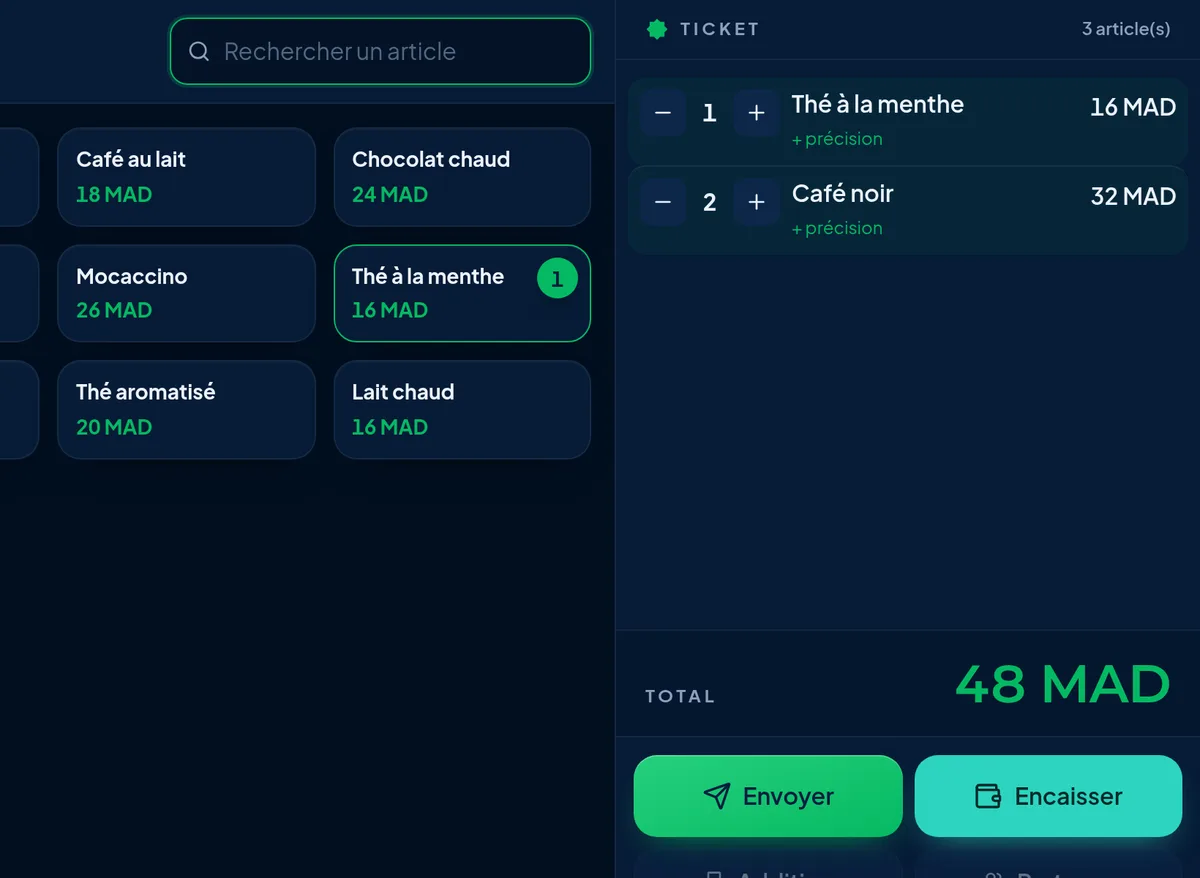
Caisse tactile, menu QR, bons cuisine et chiffres du jour pour cafés et restaurants au Maroc. En français, arabe et anglais, même quand internet tombe.
No credit card. No commitment.
- 199DH excl. VAT / month, all included
- 14days free, no credit card
- 0 %commission on your online orders
Cut the internet.Service goes on.
Orders, kitchen tickets and payments stay on the POS and sync on their own when the connection returns. No duplicates, nothing lost.
- Orders taken
- 0
- Queued
- 0
New
Your orders. Your margin. 0% commission.
Your guests order, book and queue with you, not on a platform. Everything arrives in the same till.
- Online ordering
- Bookings
- Waitlist
- Ordering kiosk
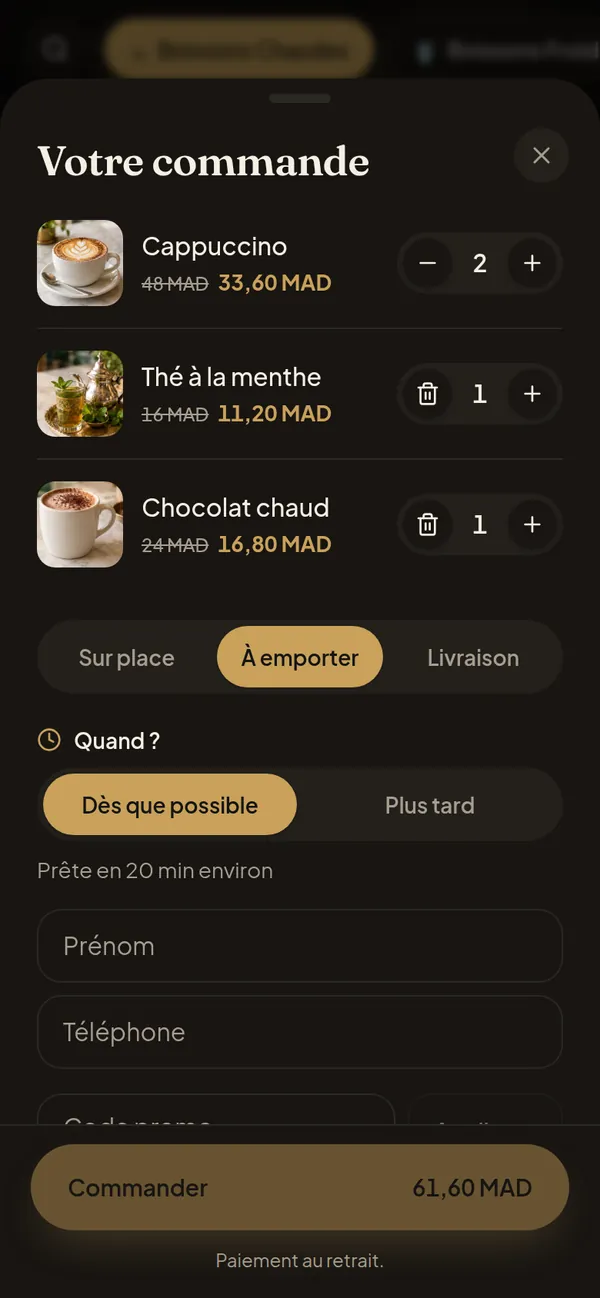
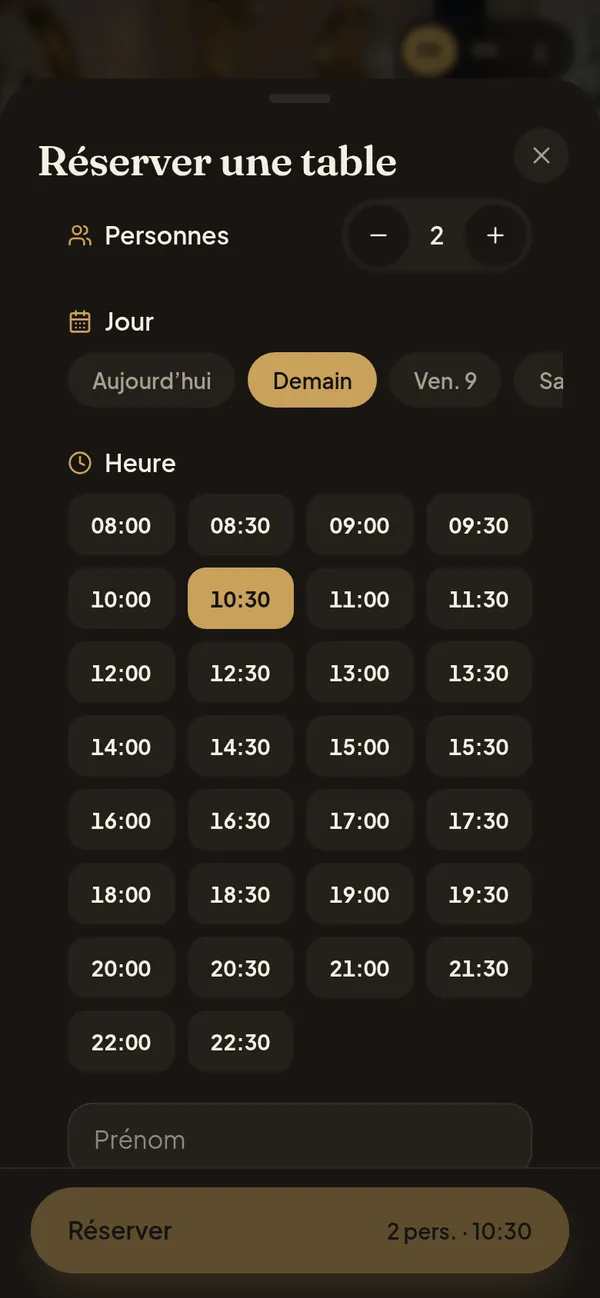
Your link, your customers
Take-away and delivery from Instagram, Google or WhatsApp. Orders arrive in the till, with the guest’s number.
Bookings without a phone call
The guest picks a time with room left. The host confirms from the till.
The waitlist on the phone
A QR at the door: guests see their place and get a message when their table is ready.
A kiosk that takes orders
Guests order by themselves, get a number and pay at the till. Your staff save time.
What do the platforms cost you?
Enter your numbers. The calculation runs on your phone, nothing is sent.
Commission paid every month
Over a year
On your own online ordering: 0 DH commission.
Example calculated with your numbers. You then organise delivery yourself.
The customer scans. You get the order.
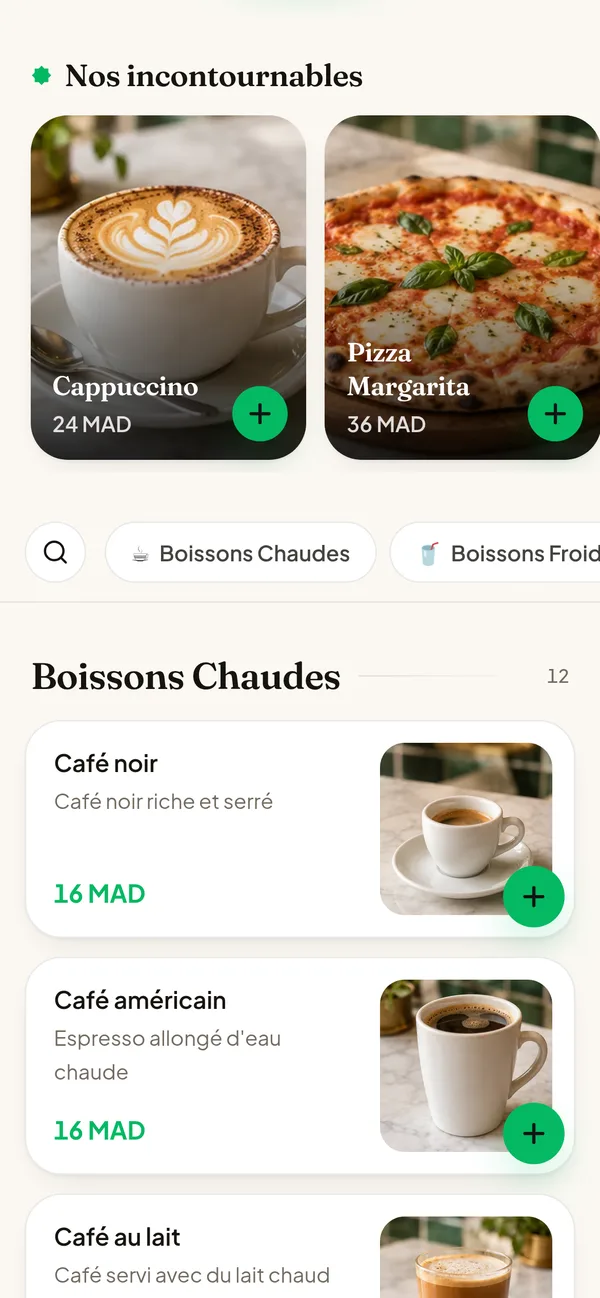
QR at the table, takeaway or delivery. Orders arrive on a dedicated screen, or straight in your till. No commission.
- The customer scans the QR on the table and orders from their phone.
- The order arrives with a sound alert. You accept it and give the preparation time.
- Takeaway and delivery: a WhatsApp message tells the customer when it’s ready.
- Avant de commander, le panier propose ce qui manque : une boisson, un dessert ou un accompagnement.
No till
No till needed? Amplify Commandes.
The ordering page and the orders screen, without the till: 500 DH once, then 100 DH per month.
Mode snack
Commandé sur un prénom. Payé avant la cuisine.
Pour un snack ou un comptoir sans service à table. Le client commande à la caisse ou par QR, sans numéro de table. Il paie d’abord, le bon part ensuite en cuisine, et son prénom s’affiche sur la télé quand c’est prêt.
- Rien ne part en cuisine avant d’être payé
- QR sans table : le client donne son prénom, c’est tout
- « Légumes : tout » au lieu de cinq lignes sur le bon
- Commande QR pas payée : elle expire toute seule
- L’écran de retrait sur n’importe quelle télé, en français et en arabe
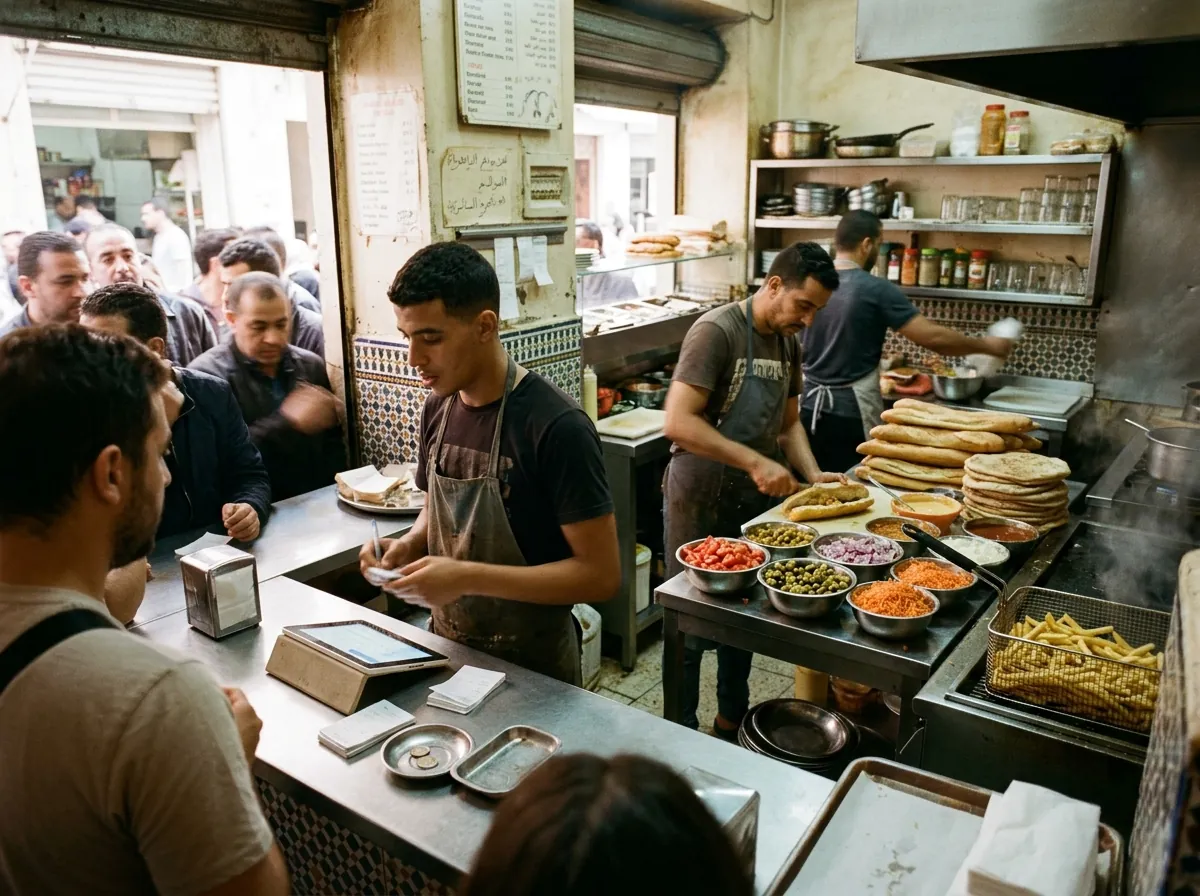
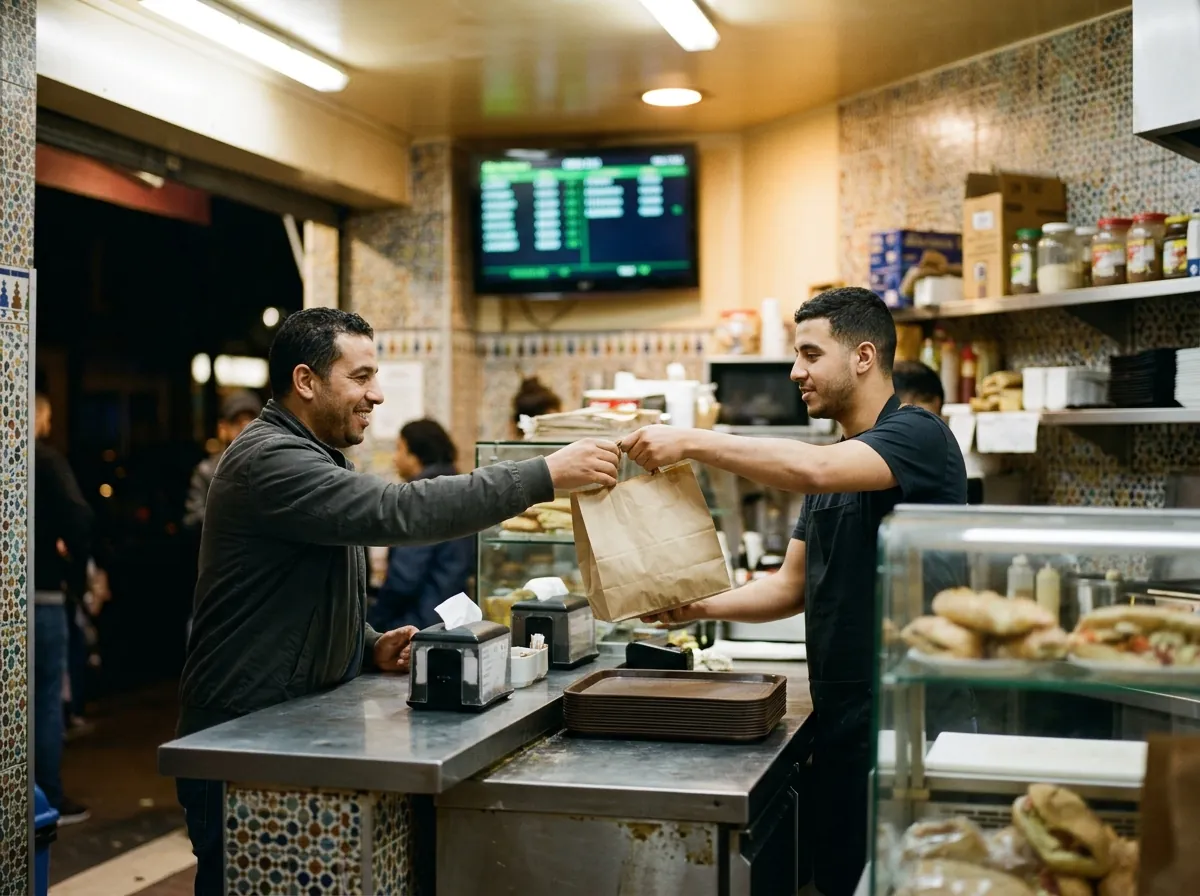
Comptoir
Prénom : YassineTant que ce n’est pas payé, la cuisine ne reçoit rien.
Payé. Le bon est parti en cuisine, Yassine s’affiche sur la télé.En préparation قيد التحضير
- Salma
- Omar
Prêtes جاهزة
- Nadia
Un son sur la télé quand une commande est prête.
Le mode snack s’active à l’installation, par notre équipe. Les restaurants avec service à table gardent leur caisse comme avant.
Une habituée
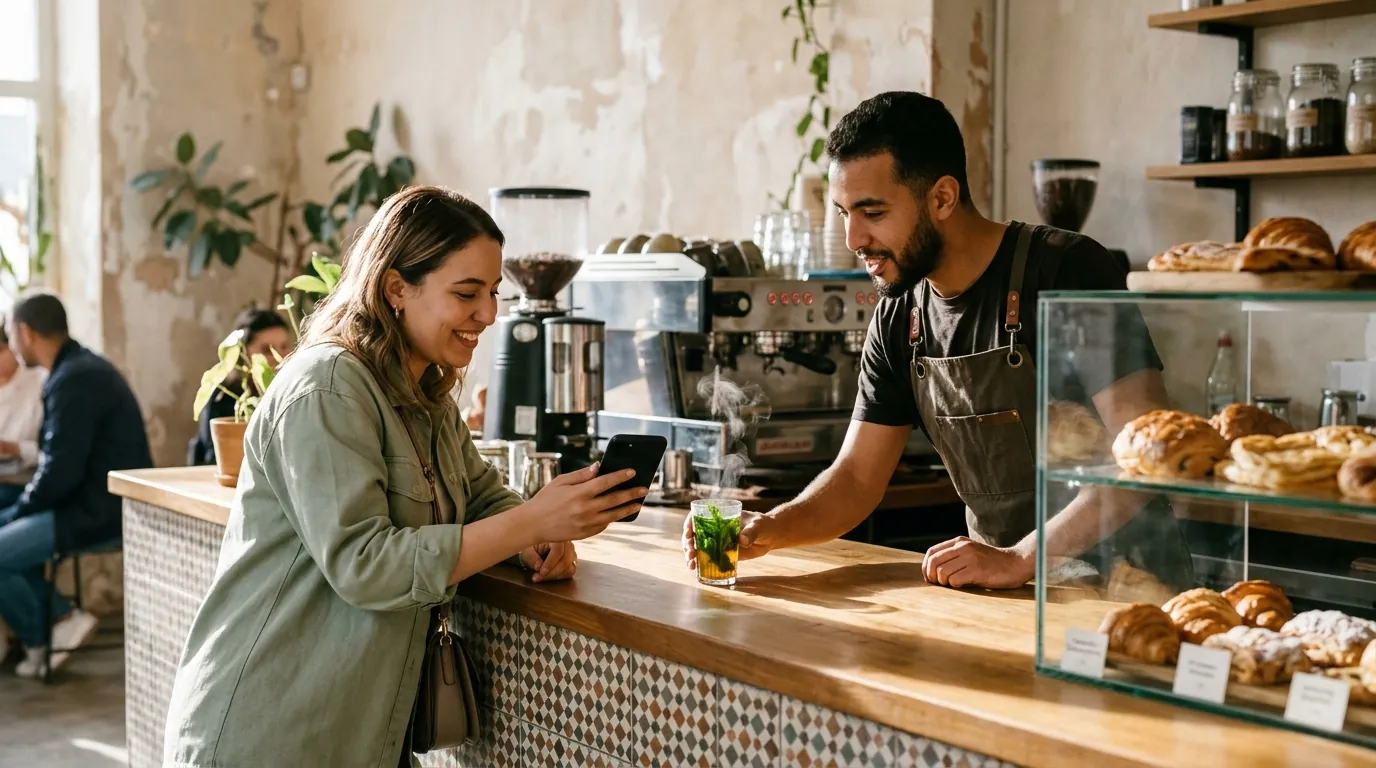
Elle revient. Sa cagnotte l’attend.
Loyalty
Une cagnotte en dirhams. Votre menu, c’est la liste des cadeaux.
Pas de points à expliquer. Chaque addition met 3, 5 ou 10 % dans la cagnotte du client, et il voit sur son téléphone ce qu’elle lui offre déjà. Il la dépense à sa prochaine visite, en un tap à la caisse.
Essayez : bougez l’addition, choisissez le pourcentage, puis « Encaisser ».
The POS
Ce qui revient au client
1 point = 1 DH. Rien à calculer pour l’équipe.
ChargeVisite suivanteGagné aujourd’hui, à dépenser à la prochaine visite. Jamais sur la même addition.Sara est revenue : sa cagnotte est prête à payer.Ma cagnotte chez Café Démo
18 DH
+ 10 DH à la prochaine visite
Ce que ma cagnotte m’offre déjà
- Mint tea15 DH
- Café crème18 DH
- Jus d’orange pressé25 DH
- Msemen au miel30 DH
- Tajine poulet citron75 DH
Le menu est la liste des cadeaux.
12:30
The rush. The POS keeps up.
A day of service.
From opening to closing, here is what the POS does for you.
- 08:00
Each waiter logs in with their own code
No shared password: everyone has a personal code, and the POS locks itself after a few minutes.
- 12:30
The rush, in a few taps
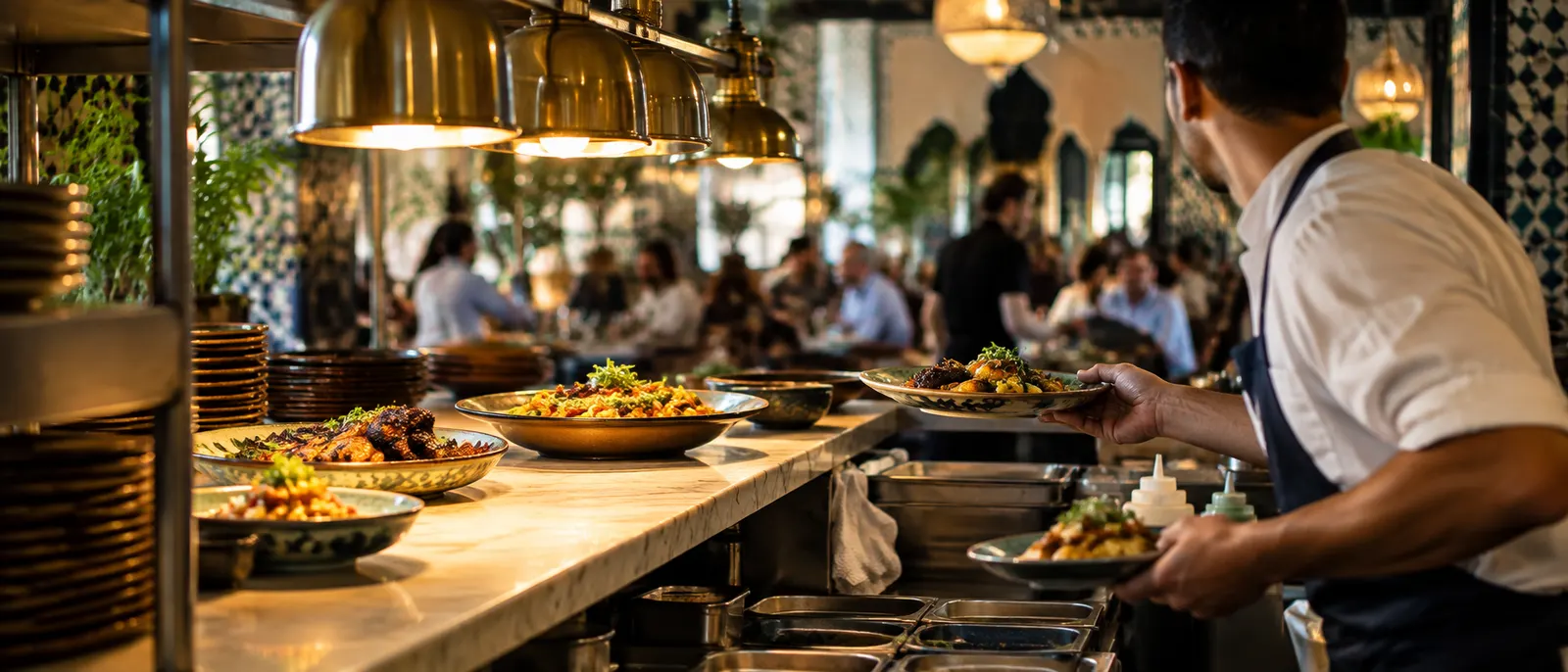
Tables, orders, discounts and payment, without waiting. The POS keeps pace, even when the dining room is full.
- 12:31
An order comes in from the QR
The customer scans, chooses and orders from their phone. The POS rings, you accept.
- 12:32
Tickets go out on their own
Each item goes to the right printer, kitchen or bar, with the customer’s notes.
- 16:10
Every dirham accounted for
A discount, a void, a refund: it takes a manager code. And everything is logged.
- 23:30
Closing in one click
Z report, expected cash, sales per employee. Numbered tickets, with the customer’s ICE, and a tamper-proof archive.
See everything. Even from afar.
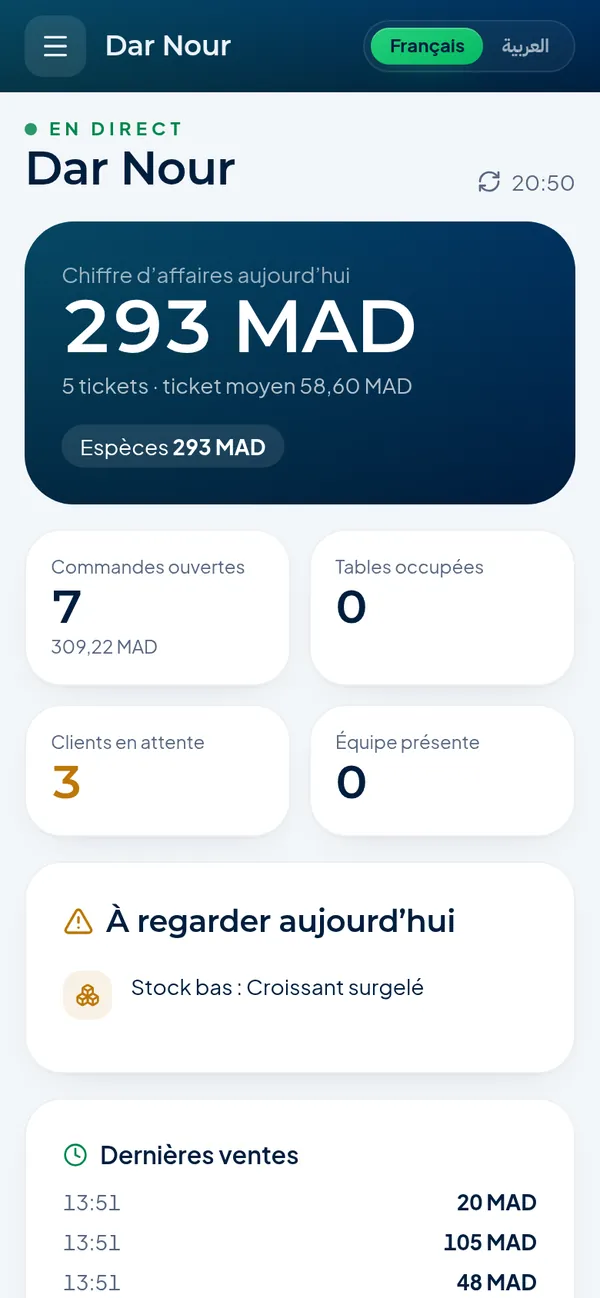
Not at the restaurant? Your phone tells you how the service is going, and what needs checking.
Live on your phone
Today’s revenue against last week at the same hour, open orders and staff on duty.
What needs your attention
Big discounts, a dish removed after the kitchen, cash taken out, low stock: flagged the same day, with the employee’s name.
The Z report on WhatsApp
After closing, one tap and the owner gets the revenue, payments and cash difference.
The customer display
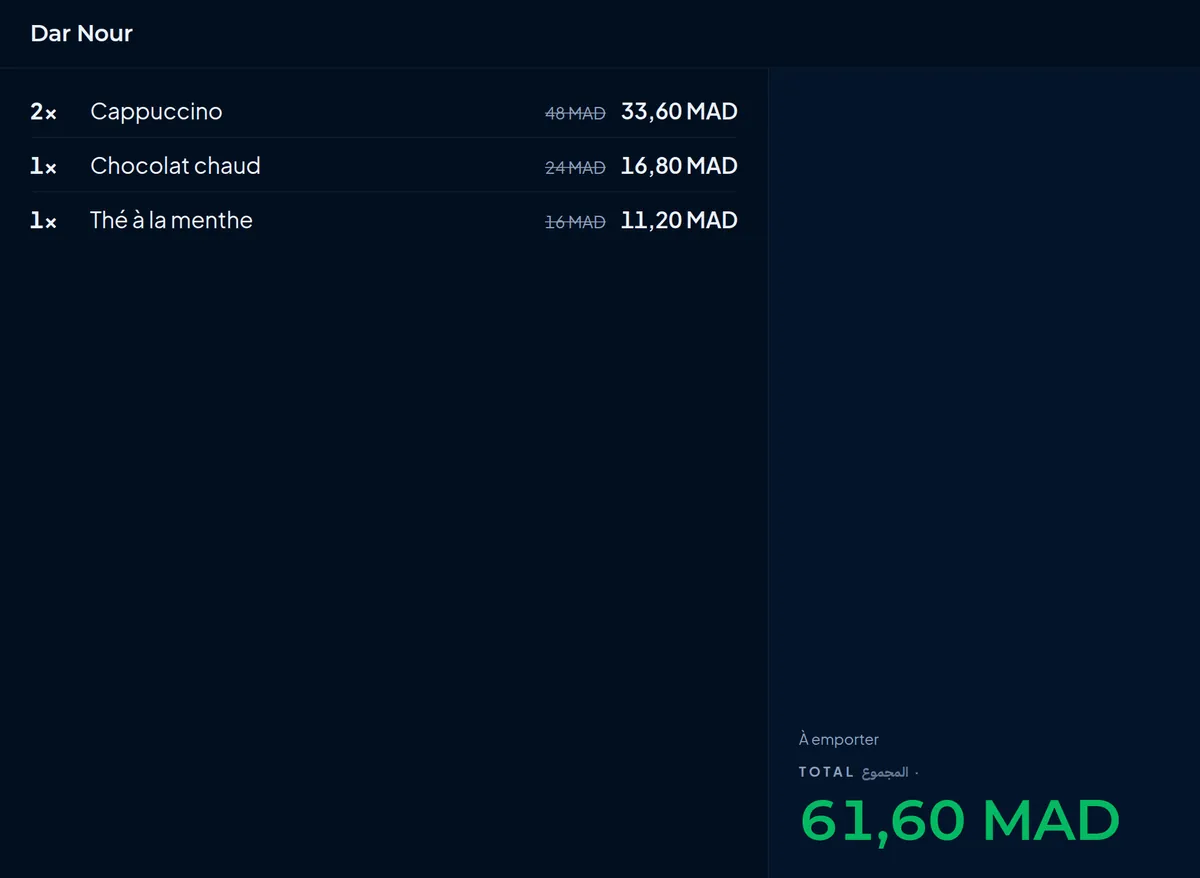
The guest sees the order, the total and the change. In French and Arabic. Fewer disputes, fewer mistakes.
Every employee works in their own language.
French, Arabic or English, chosen by each employee, on the same POS. The customer menu shows in all three languages too.



New
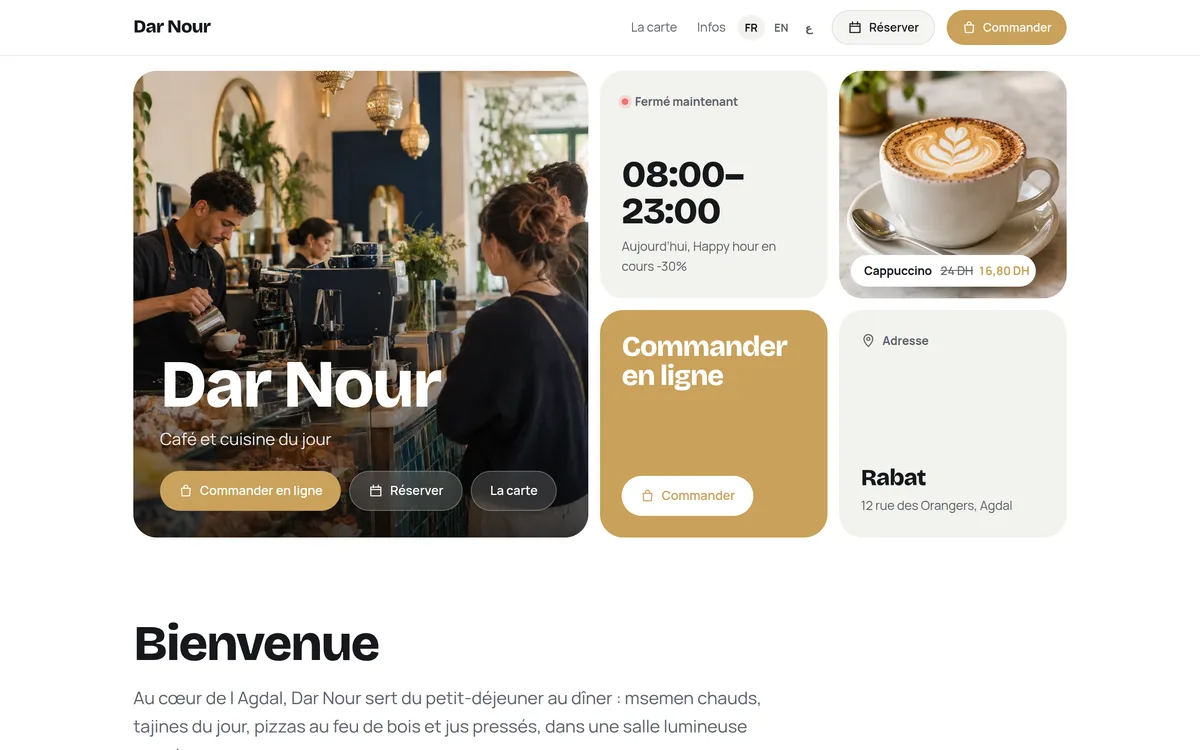
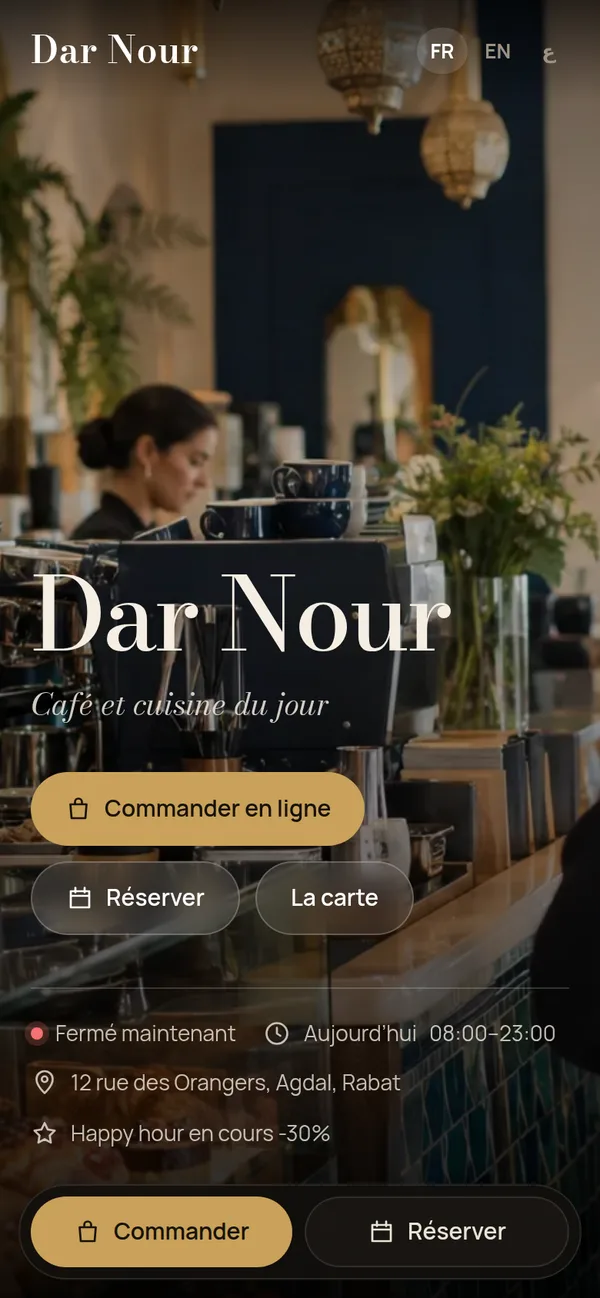
Your website. Ready with your menu.
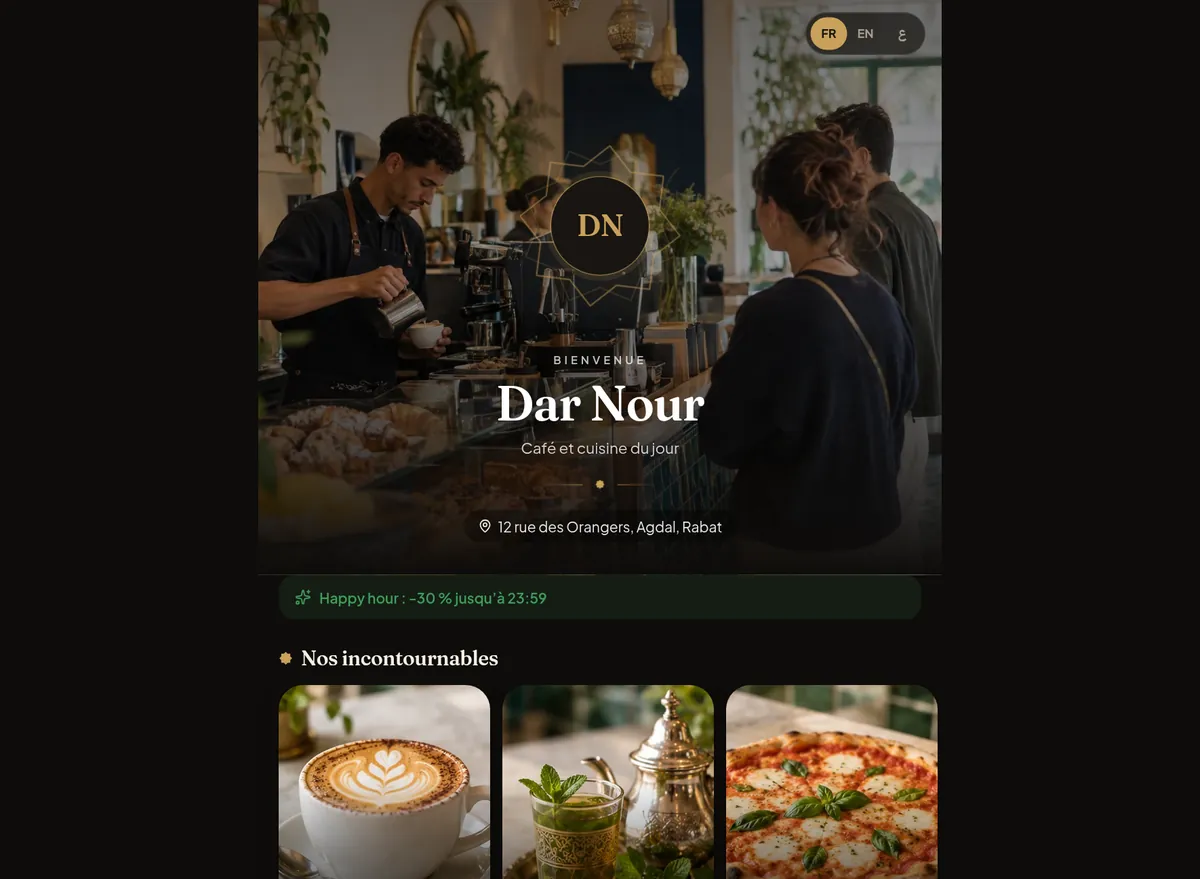
Your menu is already in Amplify: so is your website. Switch it on, pick a style, it is live.
Made for Google
Your menu, hours, address and prices are readable by Google, page by page.
Perfect on a phone
Order, book, call or get directions, all within thumb’s reach.
Always up to date
Change a price in the till and the site follows. A sold-out dish, a happy hour: too.
In your name
Four styles, your colours, your logo, and your own domain if you like.
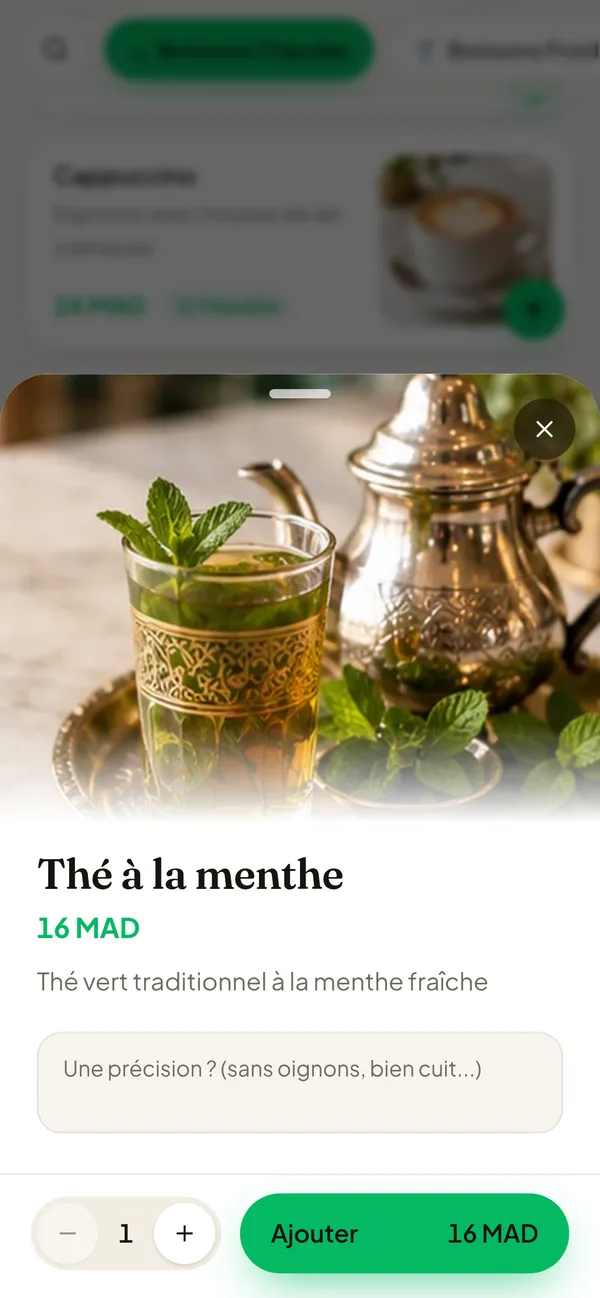
Try it yourself.
Open the menu of a demo café and order as if you were there.
Fictional café, created for the demo.
Option+249 DH HT / moisavec Restaurant ou Contrôle
Amplify Maître. Le service à table, sans un oubli.
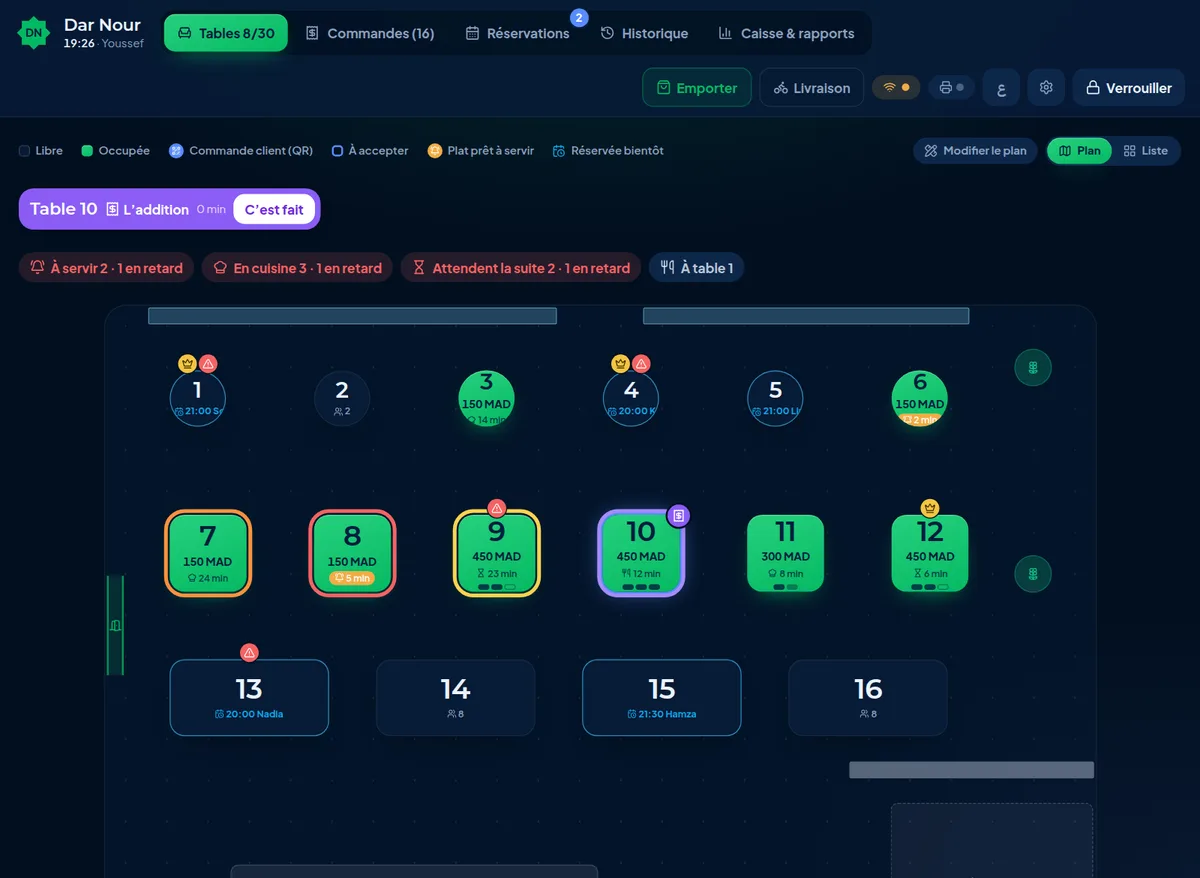
Pour les restaurants où chaque client compte. Votre équipe sait qui arrive, ce qu’il aime, et quelle table l’attend. Ajoutez-la à votre caisse quand vous en avez besoin.
Le service discret
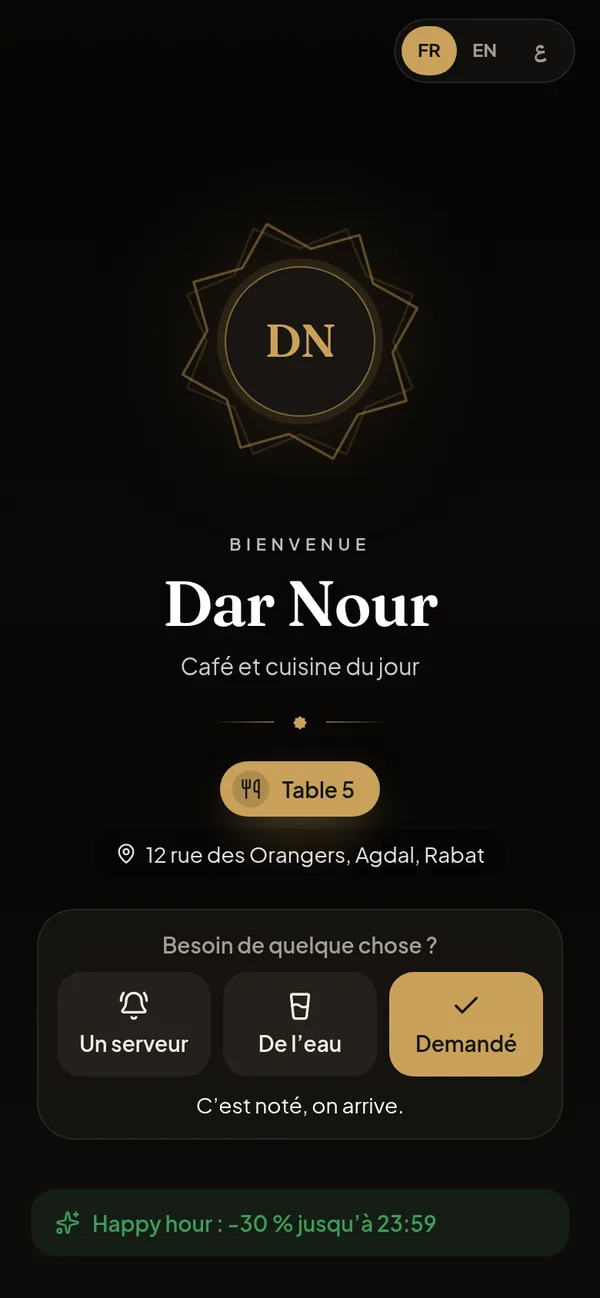
Depuis le QR de sa table, le client demande un serveur, de l’eau ou l’addition. La table s’allume sur la caisse et sur les téléphones des serveurs.
Le rythme de la soirée
Chaque table montre où elle en est : en cuisine, prête à servir, en attente du dessert. Celles qui attendent trop changent de couleur.
La fiche client
VIP, préférences, plats préférés, dernières visites. Les allergies s’impriment sur chaque bon cuisine.
L’avant-service
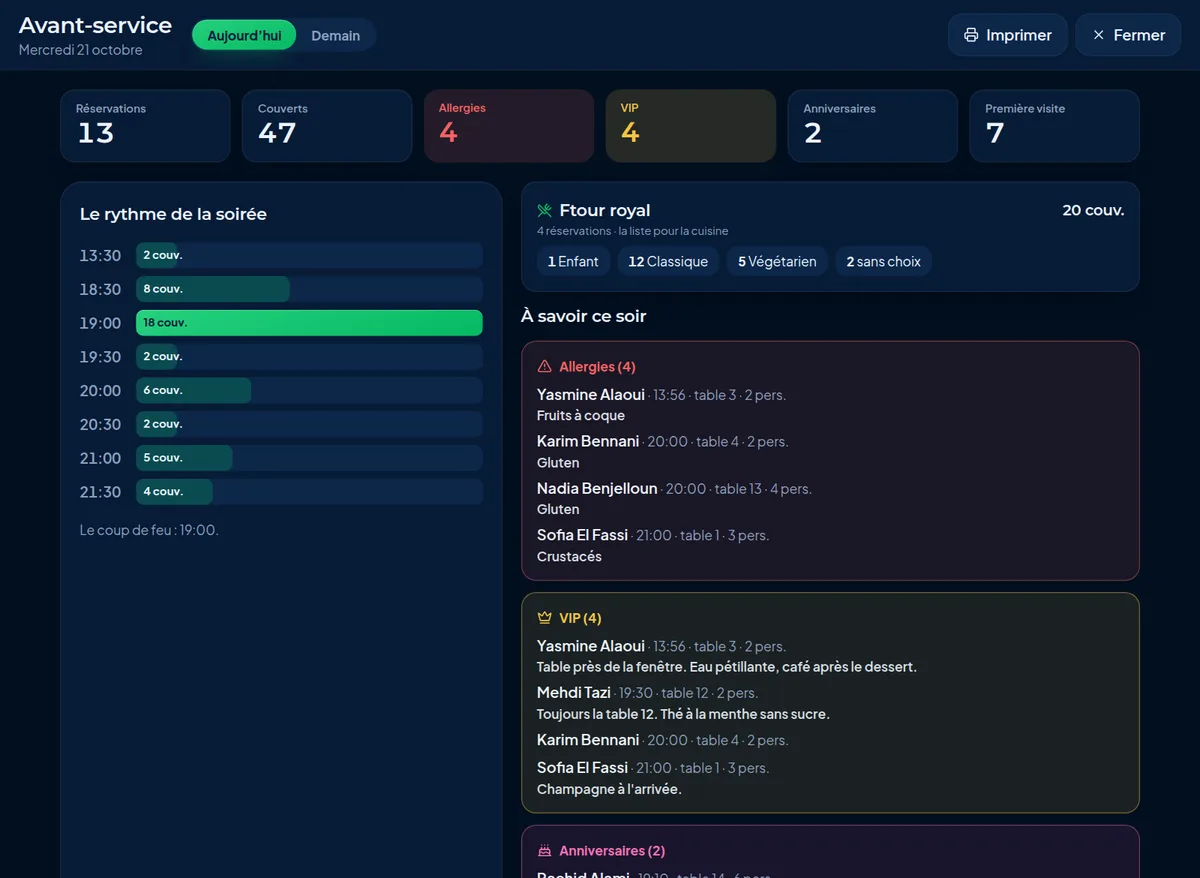
Avant d’ouvrir, l’équipe voit qui vient ce soir : allergies, anniversaires, habitués et clients déjà absents.
L’acompte
Pour les grandes tables, un acompte garantit la réservation. Il se déduit de l’addition, ou reste au restaurant si personne ne vient.
The plans
Ftour du Ramadan, menus de groupe, soirées spéciales : réservés en ligne, avec la liste pour la cuisine chaque soir.
Une table qui ne vient pas coûte souvent plus qu’un mois de Maître.
Un acompte pour les grandes tables, un rappel des habitués, une allergie qui n’arrive jamais en cuisine par oubli. C’est là que se joue la réputation d’un restaurant.
Option sans engagement : vous l’activez ou l’arrêtez d’un mois à l’autre.
Card payment
No card terminal? Cards still work.
“Card (QR)” on the till: a QR code with the bill. The customer scans it and pays by card on his phone. The table frees up by itself.
- 0
- terminal to rent: the customer's phone is enough
- 0 %
- for Amplify. Only your bank's fees.
- 1
- account: yours. The money lands in your bank account.
You need CMI online payment from your bank. You paste its two codes into Amplify and it works on all your tills. We help you request it.
Clear prices. No surprises.
14 days free on every plan. Prices excl. VAT, per month and per restaurant. Hardware sold separately.
Pay for 10 months, use it for 12.
Amplify POS
From199DH excl. VAT / month
All included
No modules to add. Elsewhere, these features are often add-ons, at a few dozen dirhams each.
- Kitchen displayIncluded
- QR menuIncluded
- Invoices with ICEIncluded
- Google review QRIncluded
- Works without internetIncluded
- Updates and backupsIncluded
- WhatsApp supportIncluded
- Guided setupIncluded
Amplify POS
Essential
For cafés and snack bars.
199DH excl. VAT / month
No commitment, cancel any month.
- 1 POS
- Works offline
- View-only QR menu
- Kitchen and bar tickets
- X and Z reports
- French and Arabic
- Bookings and waitlist
- Happy hours and promo codes
Amplify POS
Restaurant
For restaurants with table service.
349DH excl. VAT / month
No commitment, cancel any month.
- Unlimited POS stations
- QR ordering at the table
- Tables, zones and transfers
- Takeaway, delivery, Glovo
- Commission-free online ordering
- Ordering kiosk
- Loyalty: points card on the phone and WhatsApp messages
Amplify Profit
Profit
With your current POS.
249DH excl. VAT / month
No commitment, cancel any month.
- Recipe cards by AI
- Food cost and margin per dish
- Suggested price
- Import your menu from a photo
- Supplier invoices from a photo
- Stock and inventory counts
- Staff, charges and break-even
POS + Profit
Control
All of Restaurant and all of Profit.
499DH excl. VAT / month
No commitment, cancel any month.
- All of Restaurant
- All of Profit
- Real margins from the POS
- AI evening briefing
Setup: how we get you started
Launch offer: free on-site setup for the first 10 venues in Rabat.
Anywhere in Morocco
Included
Guided setup on a video call: your menu, the printer and team training, with us.
On site in Rabat
490 DH excl. VAT
One-off. We come to install the POS and train your team at your venue.
With a yearly plan
Free
On-site setup in Rabat, on top of the 2 free months.
Frequently asked questions
-
No. A PC, tablet or phone with Chrome is enough. To print, a standard 58 or 80 mm receipt printer connected to the POS computer.
-
Yes. The POS shows a QR code and the customer pays by card on his phone, through your own CMI account. The money lands in your bank account. Amplify takes no commission: only your bank’s fees apply.
-
The POS keeps going: orders, tickets and payments. Everything syncs automatically when the connection is back.
-
No. Monthly subscription, cancel anytime.
-
Yes. You export your sales whenever you like, in a format your accountant can read.
-
Each employee picks their language on the POS. The management side is also available in Arabic.
Ready for your next service?
Set up your restaurant in 5 minutes. Menu, tables and POS are ready the same day.